


Your Photos, Your Business, Your Life — Is It One Broken Drive Away From Gone?
Far too many people keep their entire photo history — or their whole business — on one computer with no backup. When that drive fails, is stolen, or gets hit by ransomware, it's often gone for good. Here's the real risk, the simple rule that prevents it, and how Optimised Computing can protect your precious memories and business data across Herefordshire.
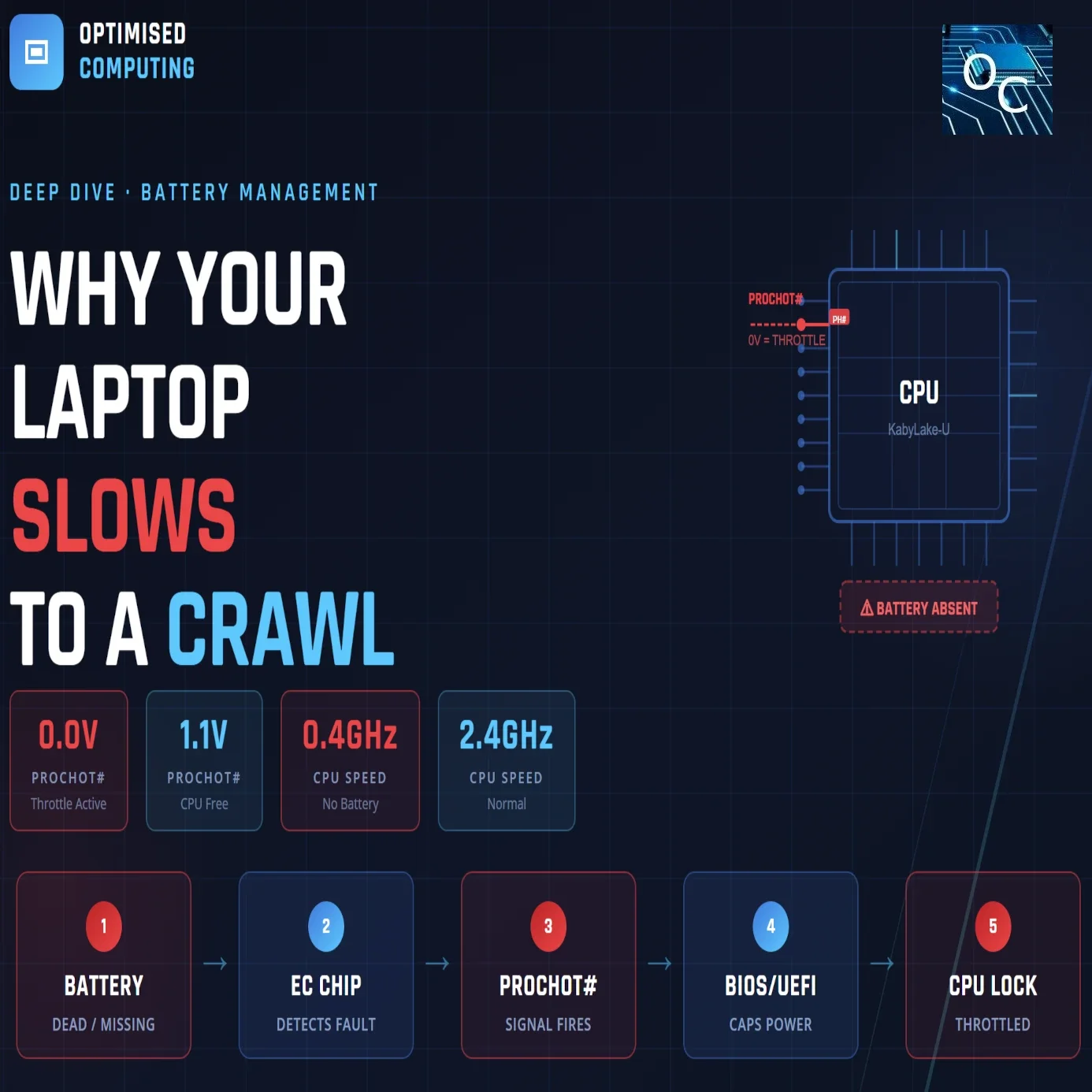
Laptop Throttling, CPU Performance and Battery Management: A Deep Dive Into What's Really Going On Under the Hood
Your laptop is plugged in, the charger light is on — so why is it running at a crawl? The answer isn't Windows, it isn't your drivers, and it probably isn't your charger. It's your battery. In this deep dive I explain the full signal chain from a failing battery all the way to a throttled CPU, why this happens before the operating system even loads, which Lenovo, HP, Dell and Acer models are well known for it, and what a proper board-level diagnosis actually looks like.
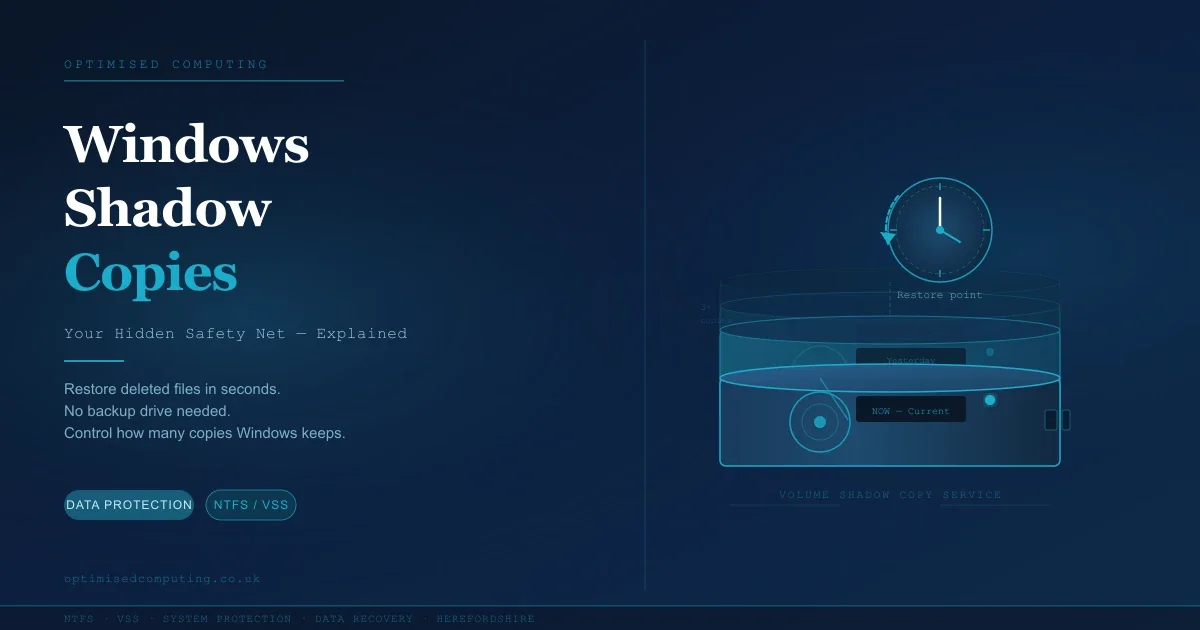
Windows Shadow Copies Explained: Your Hidden Safety Net (And How to Make the Most of It)
Most Windows users don't know it, but your PC has been quietly taking snapshots of your files in the background all along. It's called Shadow Copy — and it can rescue a deleted or overwritten file in seconds, without needing an external drive or recovery software. In this guide, Dave from Optimised Computing explains how it works, how to make sure it's switched on, and how to control how many copies Windows keeps.
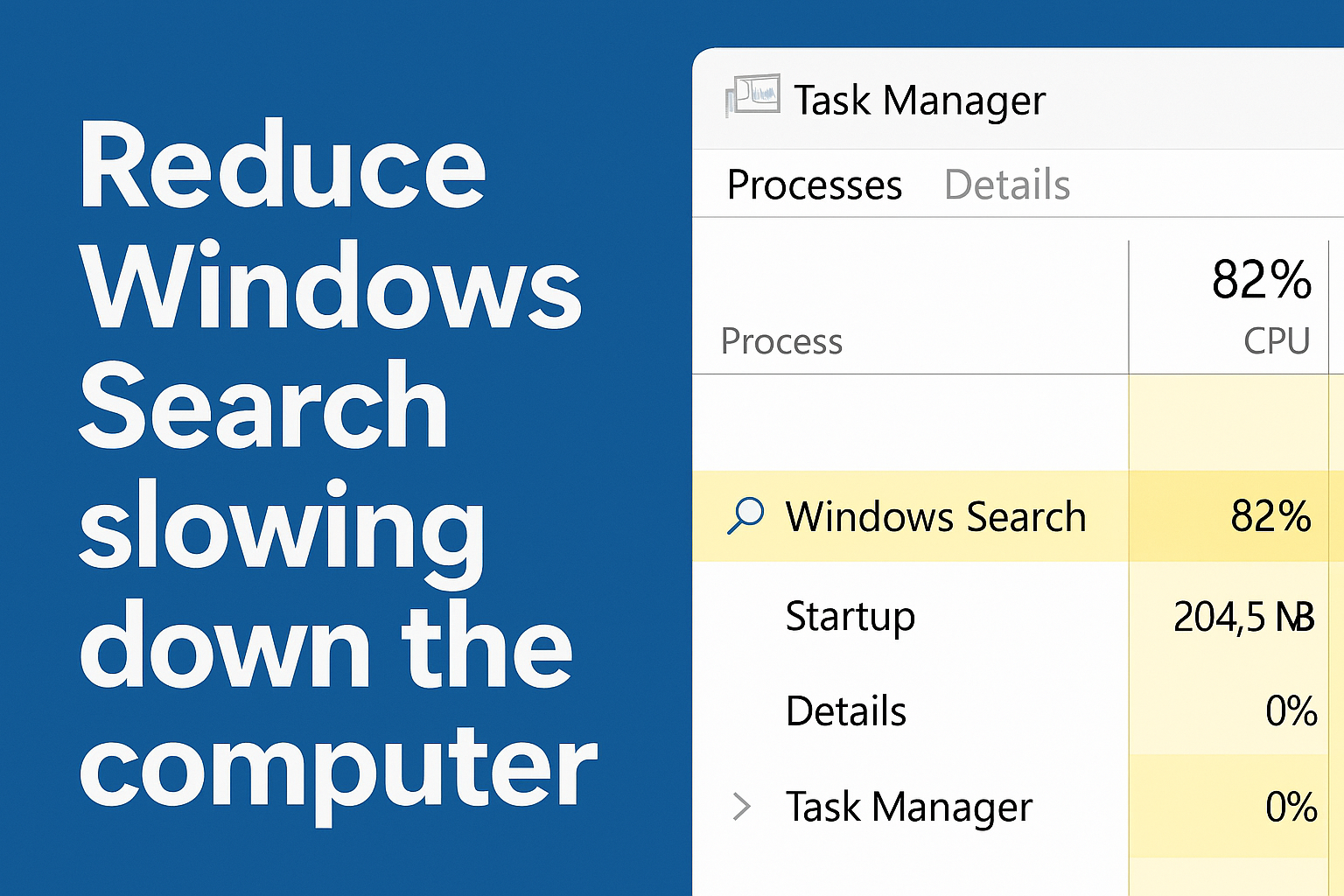
How to Stop Windows Search from Slowing down the computer
If your laptop feels sluggish and Task Manager points to Windows Search as the culprit, you're not alone. Many users experience high CPU usage from SearchIndexer.exe, especially when indexing runs unchecked across the entire system. In this guide, we break down how to tame Windows Search—using built-in settings, smart folder exclusions, and a script-driven approach to enforce low priority and CPU affinity. Whether you're a home user or IT professional, these steps will help restore performance without sacrificing search functionality.mputer running smoothly.
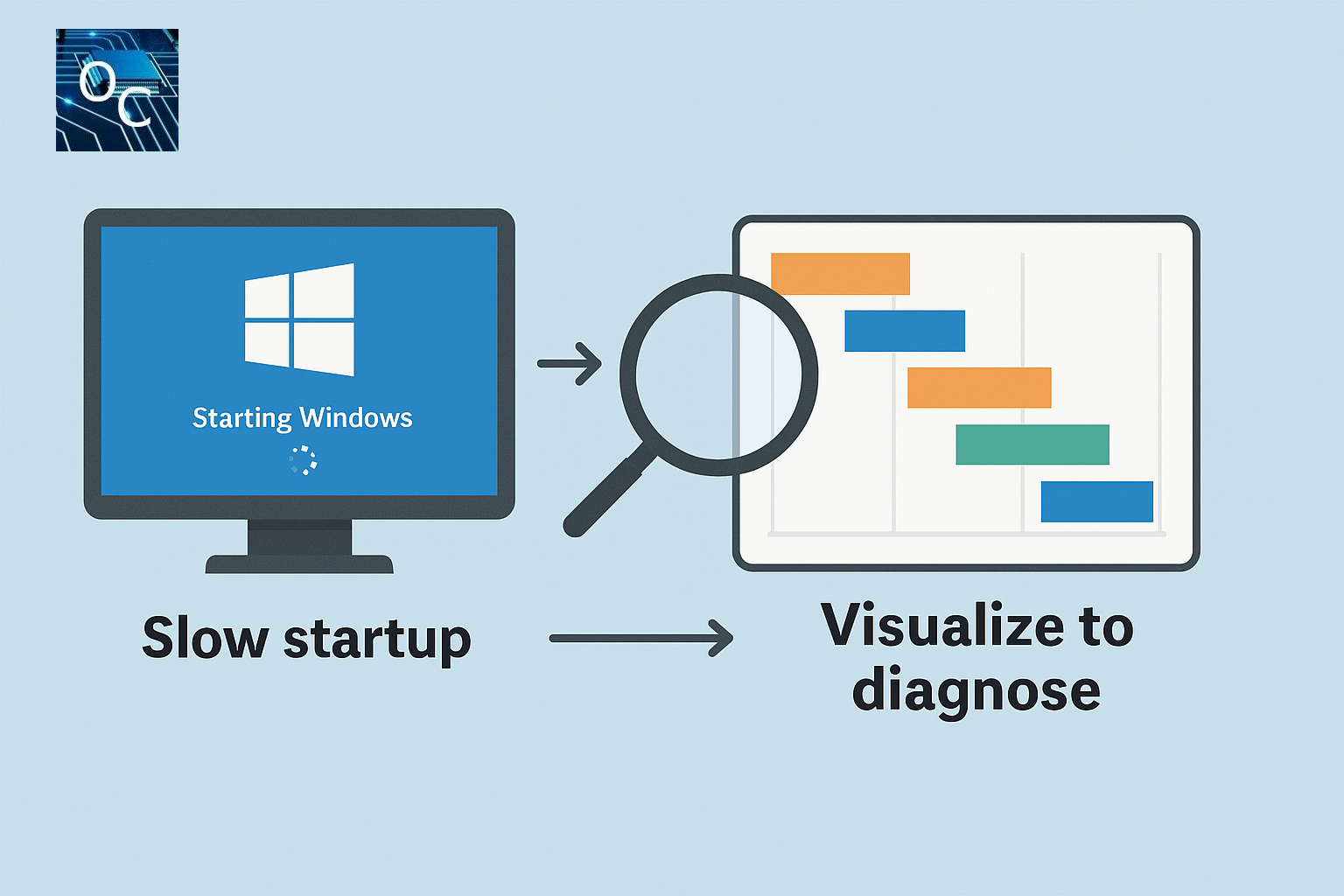
Visualise Boot Time with a Simple Free Script, Diagnose Windows Boot Delays Fast
Struggling with slow Windows startup times? This guide introduces a free, portable VBS script that visualises the entire boot process using Diagnostics‑Performance event data. See exactly which apps, drivers, or services are causing delays — without installing heavy tools like the Windows Performance Toolkit. A simple, effective way to diagnose and fix Windows boot problems.

Browser notification spam/scam, how to turn off all those fake notifications.
Browser notification scams are the new pop-up menace—tricking users into clicking “Allow” and flooding them with bogus warnings, shady links, and malware traps. Whether you're on Chrome, Edge, Safari, Windows, macOS, Android, or iPhone, this guide shows you how to spot the scams and shut them down for good.

Reset or Bypass Windows password options?
Struggling to access your Windows device after forgetting your password? This post explores practical, user-friendly options for getting back into your system—whether through official reset methods, recovery tools, or safe workarounds tailored for different situations. We break down the pros, cons, and limitations of each approach, highlighting which solutions work best for home users, IT technicians, or educators managing multiple machines. If you're locked out and looking for clarity, this guide will steer you toward a secure and efficient resolution.

Essential Windows Protection to minimise service interruption.
When your Windows device plays a vital role in your daily life or workplace, the last thing you need is a system failure that leaves you stranded. This post unpacks the overlooked importance of enabling built-in Windows recovery features—from System Restore and Registry backups to rescue boot menus and BitLocker key management. At Optimised Computing, we highlight how these proactive steps not only safeguard your data but dramatically accelerate support and service restoration.
Explore how to:
Enable System Protection and create restore points
Schedule Registry backups using Task Scheduler
Restore legacy F8 rescue boot options
Secure and back up your BitLocker key and login credentials
Whether you’re tech-savvy or just getting started, these strategies are vital. Because when things go wrong, being prepared is the difference between stress and swift recovery.

Is it cheaper to repair or replace a computer?
Affordable computer repairs , is it the best option considering price and fears of e-waste? How to consider a repair vs new.

Thermal Throttling, Speeding up windows PC
Computer slowing down due to effect of getting to hot known as thermal throttling. This can also be a real problem of getting to hot or a windows issues which it thinks it need to slow down.