


Your Photos, Your Business, Your Life — Is It One Broken Drive Away From Gone?
Far too many people keep their entire photo history — or their whole business — on one computer with no backup. When that drive fails, is stolen, or gets hit by ransomware, it's often gone for good. Here's the real risk, the simple rule that prevents it, and how Optimised Computing can protect your precious memories and business data across Herefordshire.
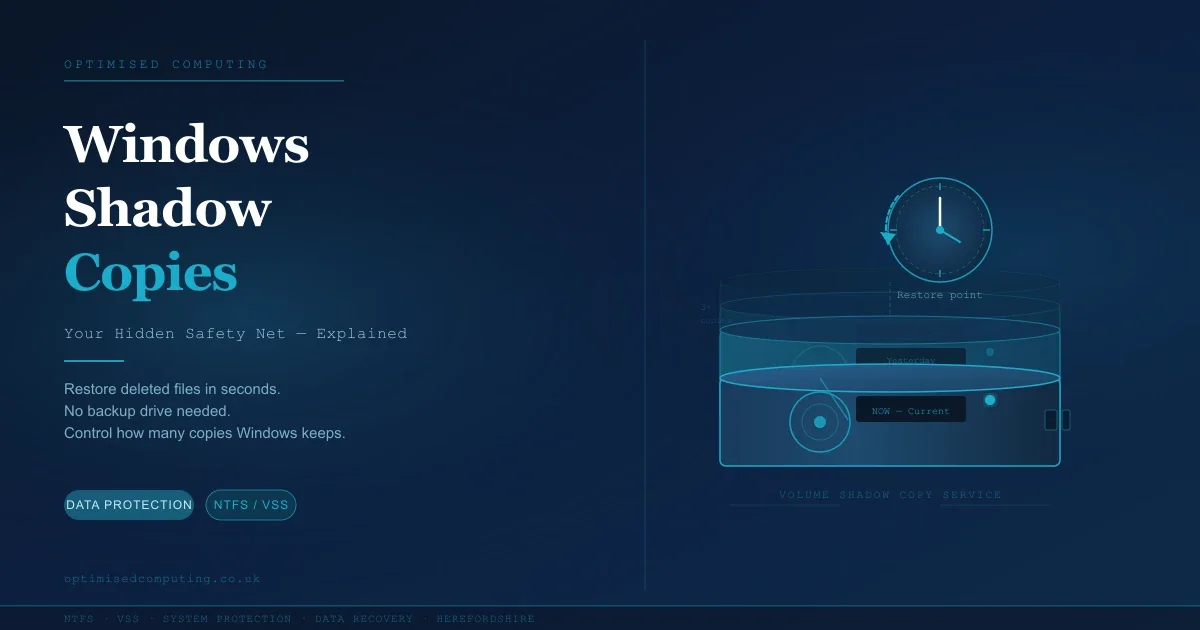
Windows Shadow Copies Explained: Your Hidden Safety Net (And How to Make the Most of It)
Most Windows users don't know it, but your PC has been quietly taking snapshots of your files in the background all along. It's called Shadow Copy — and it can rescue a deleted or overwritten file in seconds, without needing an external drive or recovery software. In this guide, Dave from Optimised Computing explains how it works, how to make sure it's switched on, and how to control how many copies Windows keeps.
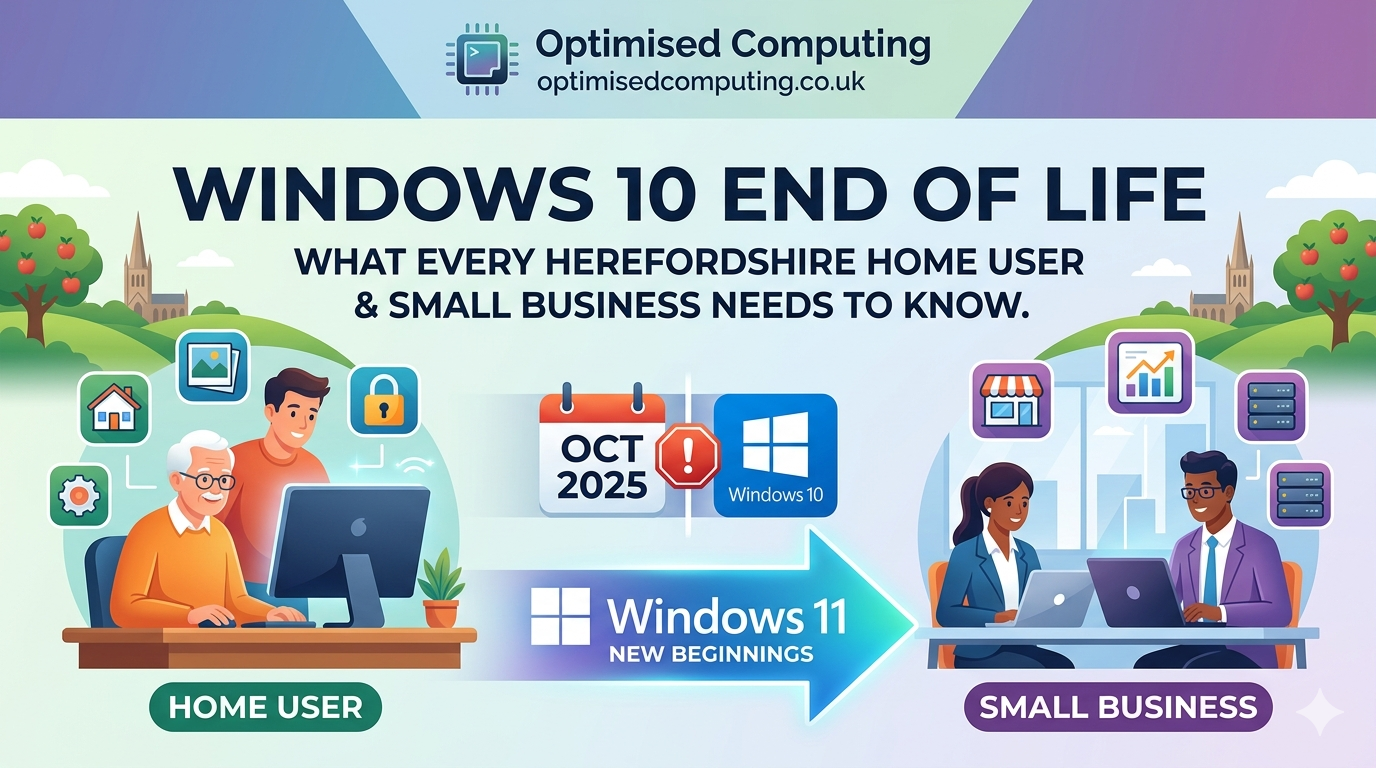
Windows 10 End of Life how to upgrade to Windows 11
The clock is ticking for Windows 10. By late 2025, millions of PCs will lose official support. Whether you're a home user with cherished photos or a small business with critical files, our latest guide explains the risks of staying on Windows 10 and provides a clear roadmap for a safe upgrade to Windows 11.
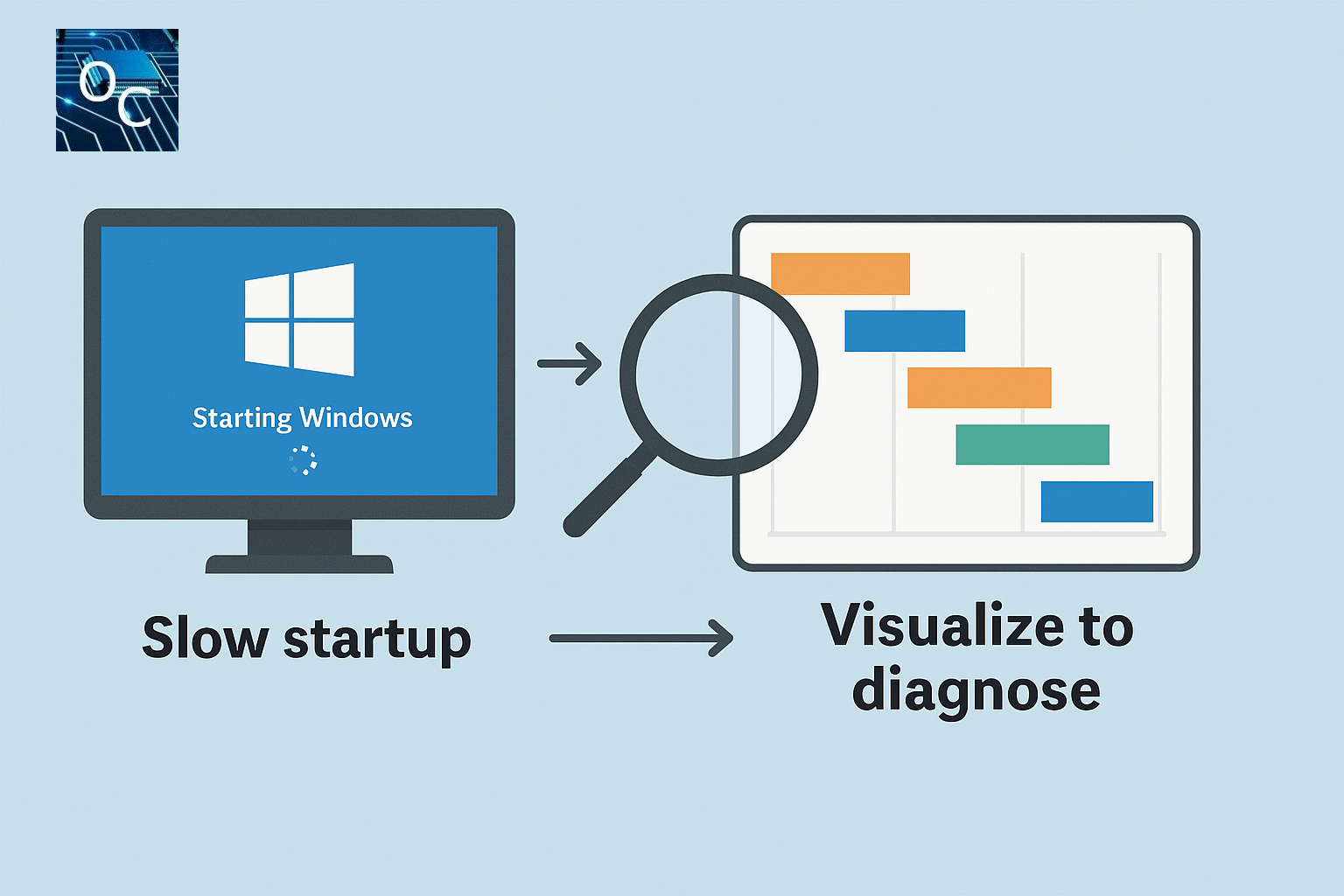
Visualise Boot Time with a Simple Free Script, Diagnose Windows Boot Delays Fast
Struggling with slow Windows startup times? This guide introduces a free, portable VBS script that visualises the entire boot process using Diagnostics‑Performance event data. See exactly which apps, drivers, or services are causing delays — without installing heavy tools like the Windows Performance Toolkit. A simple, effective way to diagnose and fix Windows boot problems.

Focused on AI Threat & Local Herefordshire Help
Are Herefordshire businesses safe from the latest cyber threats? The old, typo-ridden phishing emails are gone, replaced by highly convincing AI-powered scams and deepfakes. This 2025 trend demands a smarter defence. Learn the 4 critical AI-enhanced red flags you must teach your team. Optimised Computing, your local IT support in Hereford, guides you through implementing essential protection like Multi-Factor Authentication (MFA) and scheduling cybersecurity training to keep your data and finances secure. Read on to AI-proof your inbox today!

Boost Your Business with Local SEO: How to Rank locally.
If you're a small business owner in Hereford—whether you're fixing laptops, brewing coffee, or offering plumbing services—local SEO can be your secret weapon for growth. As the founder of Optimised Computing, I’ve used local SEO to connect with more customers, increase visibility in Google searches, and build trust in my community. In this post, I’ll share practical strategies that have worked for me and can work for you too—so your business shows up when it matters most.
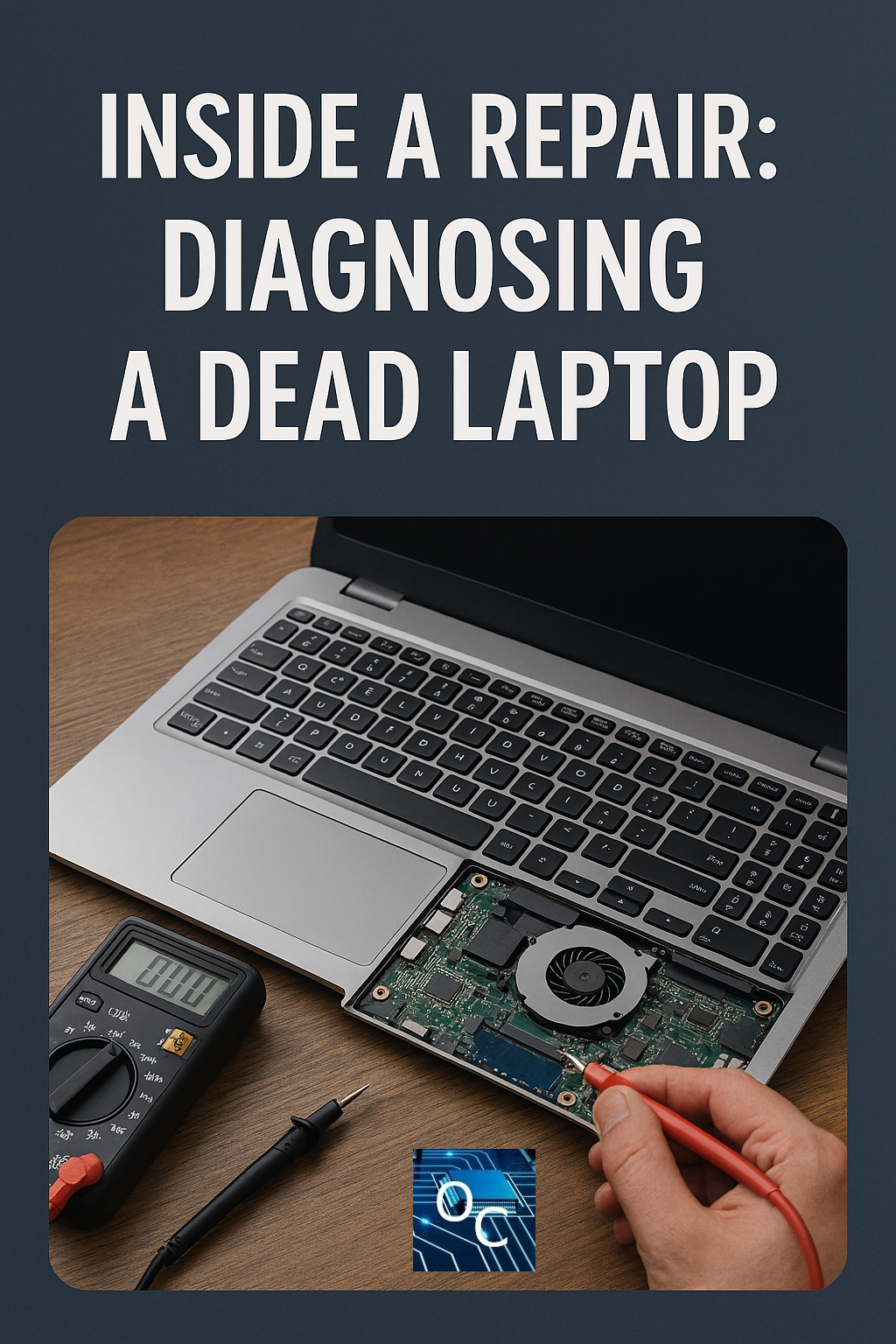
Inside a Repair: Diagnosing a Dead Laptop
Discover how a trusted Hereford technician revived a beloved Sony VAIO—saving money, reducing e-waste, and proving that old laptops still have life left in them."

7 Smart Tweaks to Make Windows 11 Feel Like Home Again
Feeling lost in Windows 11? This blog shares 7 practical tweaks—from restoring the classic right-click menu to speeding up old machines and enabling boot logs—that make Windows more familiar, efficient, and user-friendly. Plus, a great tool to fully customize your Start Menu!

Browser notification spam/scam, how to turn off all those fake notifications.
Browser notification scams are the new pop-up menace—tricking users into clicking “Allow” and flooding them with bogus warnings, shady links, and malware traps. Whether you're on Chrome, Edge, Safari, Windows, macOS, Android, or iPhone, this guide shows you how to spot the scams and shut them down for good.

Reset or Bypass Windows password options?
Struggling to access your Windows device after forgetting your password? This post explores practical, user-friendly options for getting back into your system—whether through official reset methods, recovery tools, or safe workarounds tailored for different situations. We break down the pros, cons, and limitations of each approach, highlighting which solutions work best for home users, IT technicians, or educators managing multiple machines. If you're locked out and looking for clarity, this guide will steer you toward a secure and efficient resolution.

Essential Windows Protection to minimise service interruption.
When your Windows device plays a vital role in your daily life or workplace, the last thing you need is a system failure that leaves you stranded. This post unpacks the overlooked importance of enabling built-in Windows recovery features—from System Restore and Registry backups to rescue boot menus and BitLocker key management. At Optimised Computing, we highlight how these proactive steps not only safeguard your data but dramatically accelerate support and service restoration.
Explore how to:
Enable System Protection and create restore points
Schedule Registry backups using Task Scheduler
Restore legacy F8 rescue boot options
Secure and back up your BitLocker key and login credentials
Whether you’re tech-savvy or just getting started, these strategies are vital. Because when things go wrong, being prepared is the difference between stress and swift recovery.

Taming Background Services in Windows deprioritise and limit to one core.
Keep Services Tame: How VBScript Can Rein In Background Resource Hogs
Windows background services are supposed to quietly support your system, not hijack your bandwidth or CPU like overenthusiastic party crashers. This lightweight VBScript acts as your digital bouncer—monitoring specific services and making sure they don’t overstay their welcome at the front of the queue.
By running regular checks and applying priority restrictions, the script ensures selected services stay in the background, where they belong. Whether you're fighting Windows Update's appetite for bandwidth or curbing overzealous telemetry, this approach helps you regain control—without blunt-force disabling that risks system stability.
Clean, efficient, and adaptable, it’s a reminder that with a little scripting magic, Windows can work with you—not against you.

How to stop Windows Update Slowing down the computer
Tired of Windows Update dragging your system to a halt?
From hogging bandwidth to maxing out your CPU, automatic updates can turn smooth operations into slow-motion frustration. But it doesn’t have to be that way. With a few smart tweaks, you can regain control—optimising performance without sacrificing security. At Optimised Computing, we help customers, including small businesses, tame Windows Update and keep their systems running at full speed.

MacBook Performance & Software Issues
1. Mac running like it’s stuck in molasses? Optimised Computing is your shortcut to speed, stability, and sanity.
2. Tired of staring at the spinning wheel of doom? We’ll bring your Mac back to life—fast.
3. Slow Mac = slow you. Let Optimised Computing reboot your rhythm with our expert performance tune-up.
4. Your Mac’s not lazy. It’s just begging for a bit of optimisation love. We’ll get it snappy again, no drama.

Fix Mac not charging, Mac Battery replacement.
Whether your Mac won’t charge or the battery just isn’t holding up, our expert technicians in Hereford can diagnose and fix the issue.
✅ Mac not charging diagnostics
🔋 Battery replacements with high-quality parts
⚡ Fast turnaround
📍 Local, trusted service

Is it cheaper to repair or replace an apple Macbook?
If your MacBook is acting up, don’t rush to replace it just yet! In many cases, a professional repair—like a screen or battery replacement—can save you hundreds of pounds compared to buying new.
At Optimised Computing in Hereford, we offer expert diagnostics and honest advice to help you make the best choice for your tech and your wallet.

Thermal Throttling, Speeding up windows PC
Computer slowing down due to effect of getting to hot known as thermal throttling. This can also be a real problem of getting to hot or a windows issues which it thinks it need to slow down.